Featured Project
Building Bridges with Parents
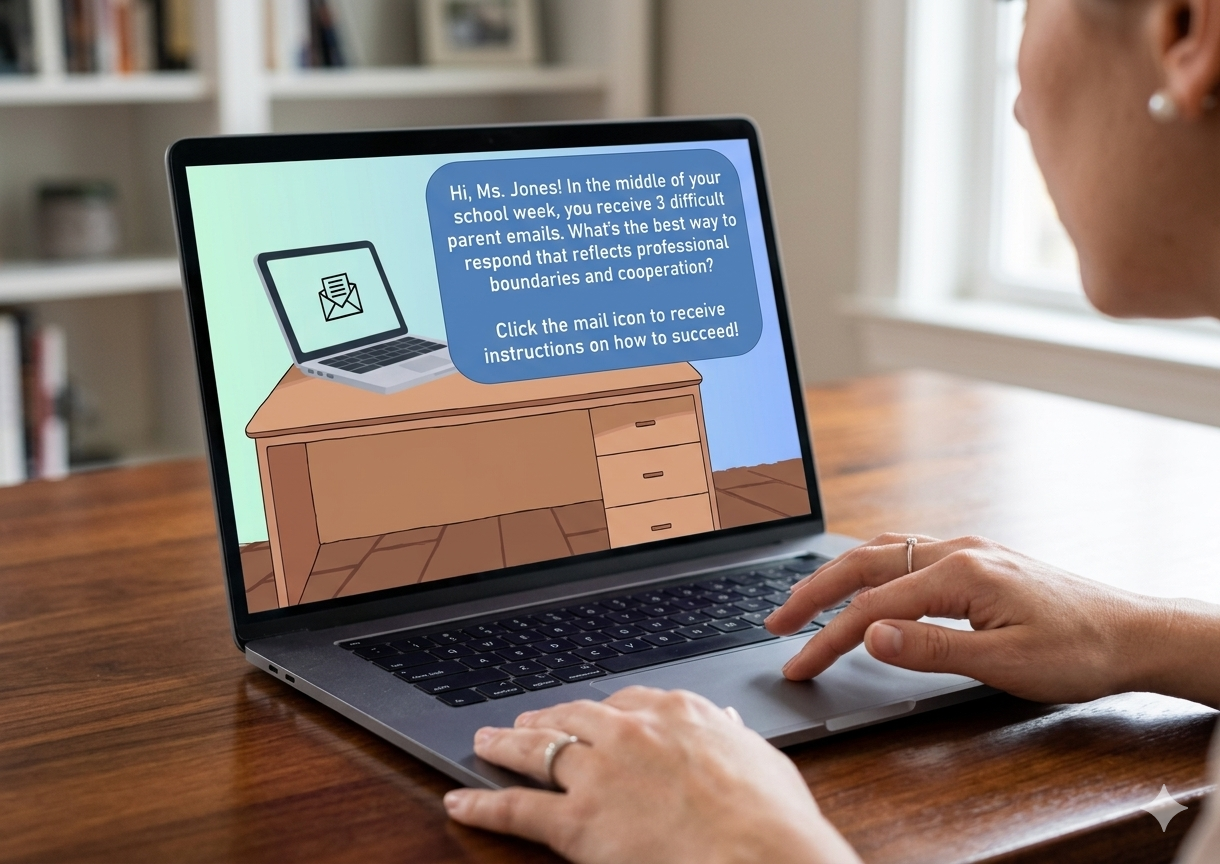
This scenario based concept project is designed to help teachers respond to difficult emails from parents with professionalism.
Audience:
New and experienced teachers learning how to communicate well with parents.
Responsibility:
Instructional design, e-learning development, visual & graphic design, action mapping & storyboarding
Resources:
Articulate Storyline 360, Mind Meister, Gemini, Google Docs, Canva
Problem:
The fictional client, Prairie Heights Middle School, was needing to improve their teacher training on how to respond to difficult parent emails. They noticed that, by not having this training, teachers often responded poorly, leading to teacher burnout or parent dissatisfaction with the school, ultimately culminating in families switching schools or teachers leaving.
Solution:
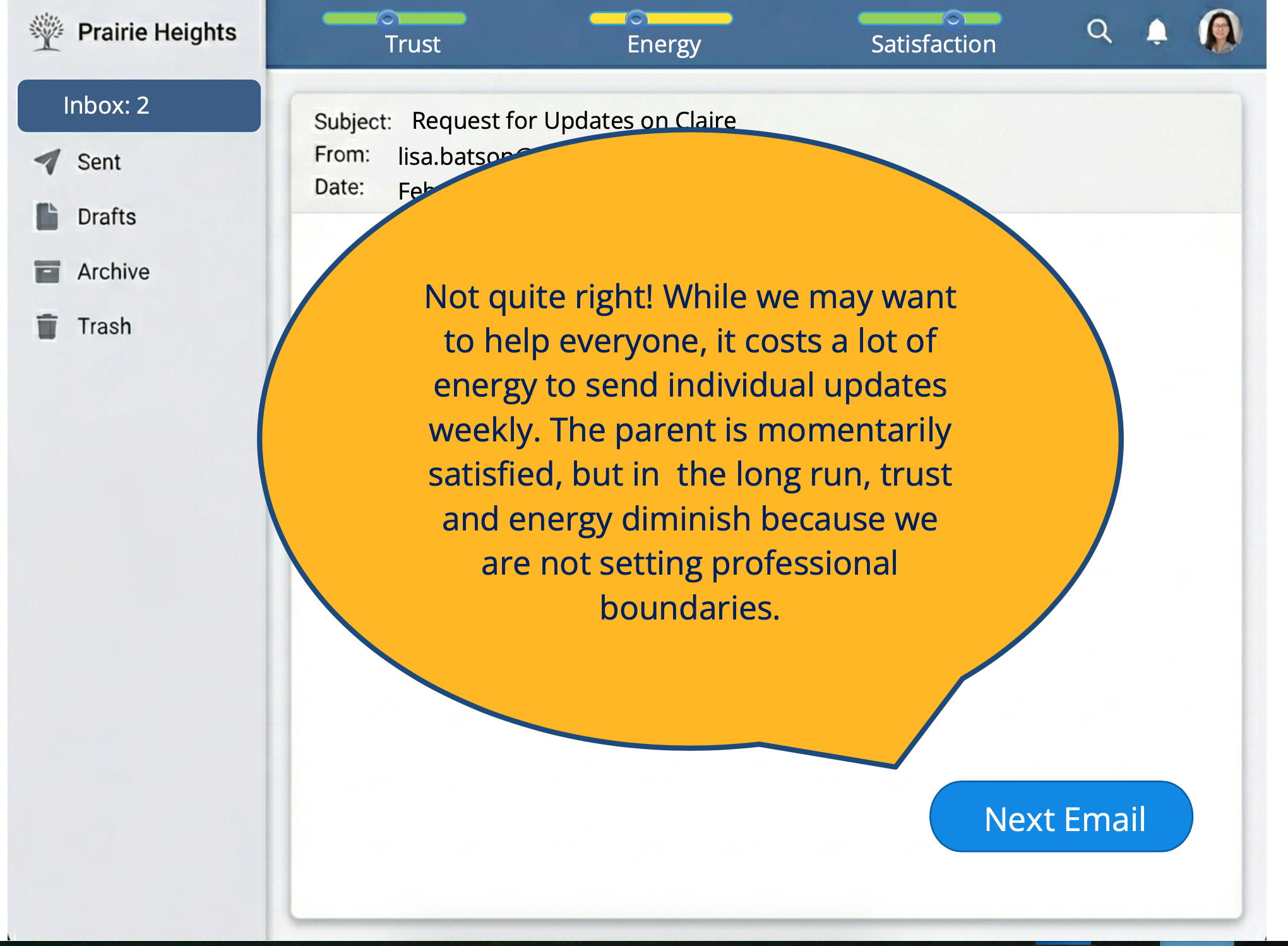
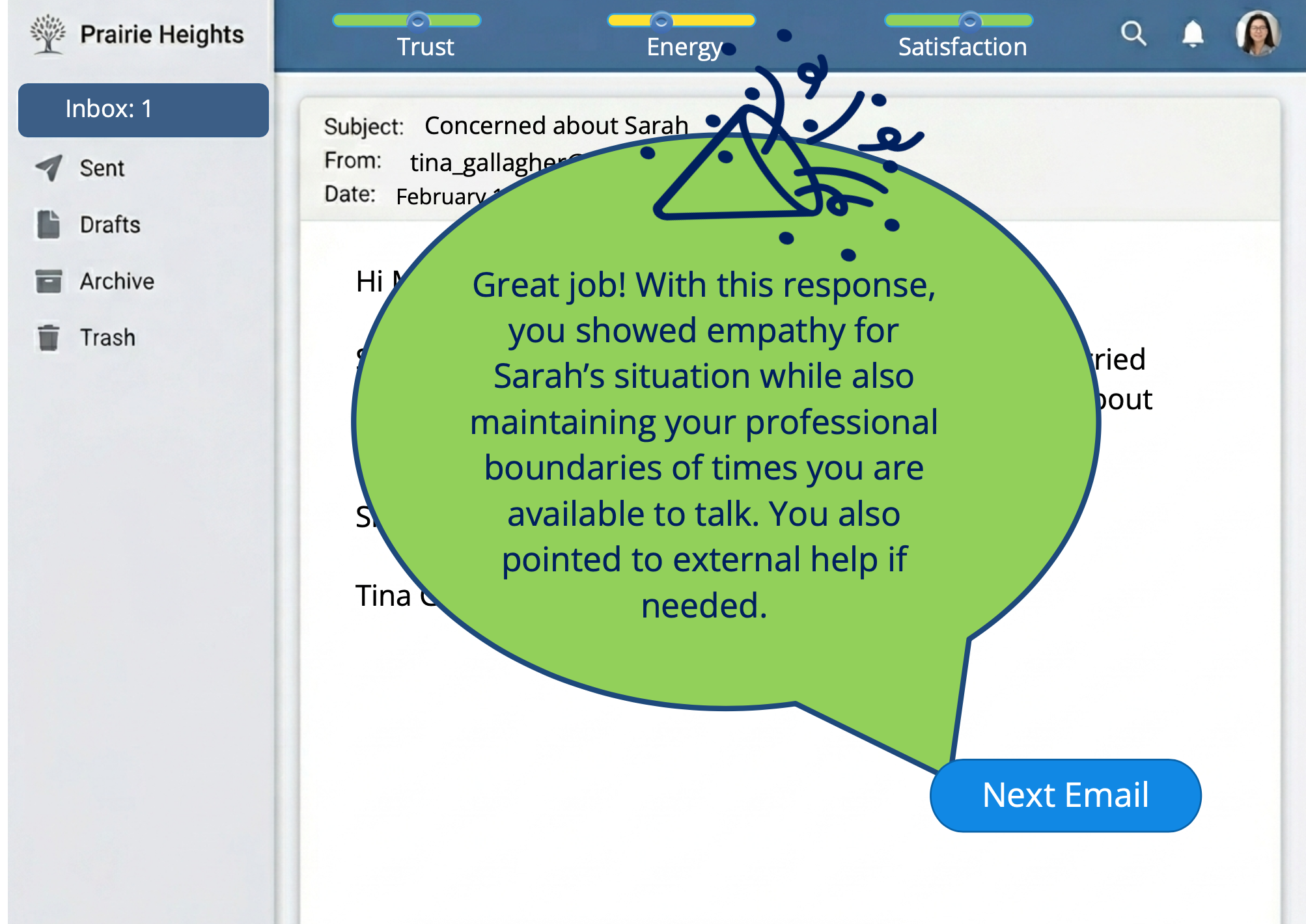
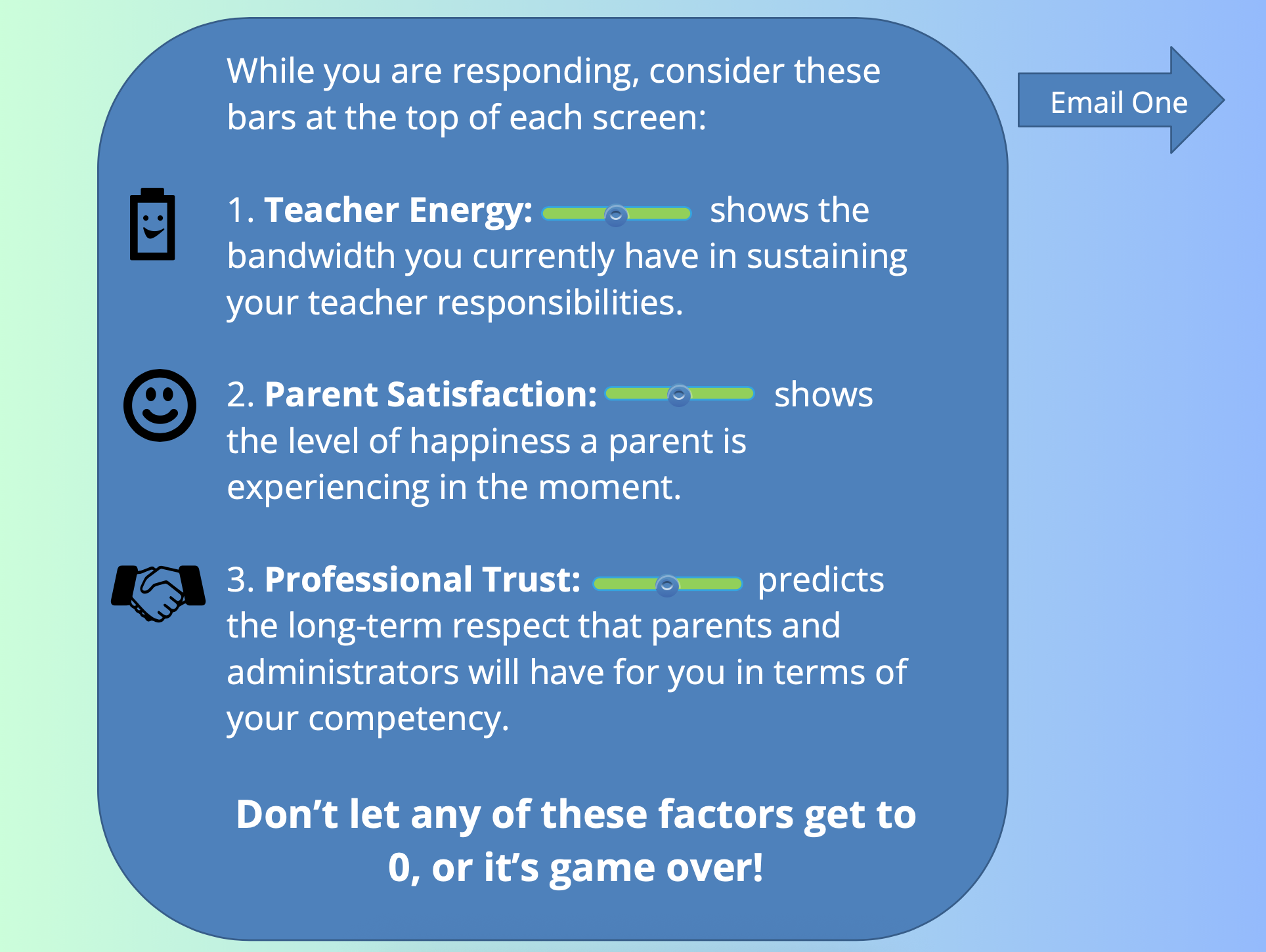
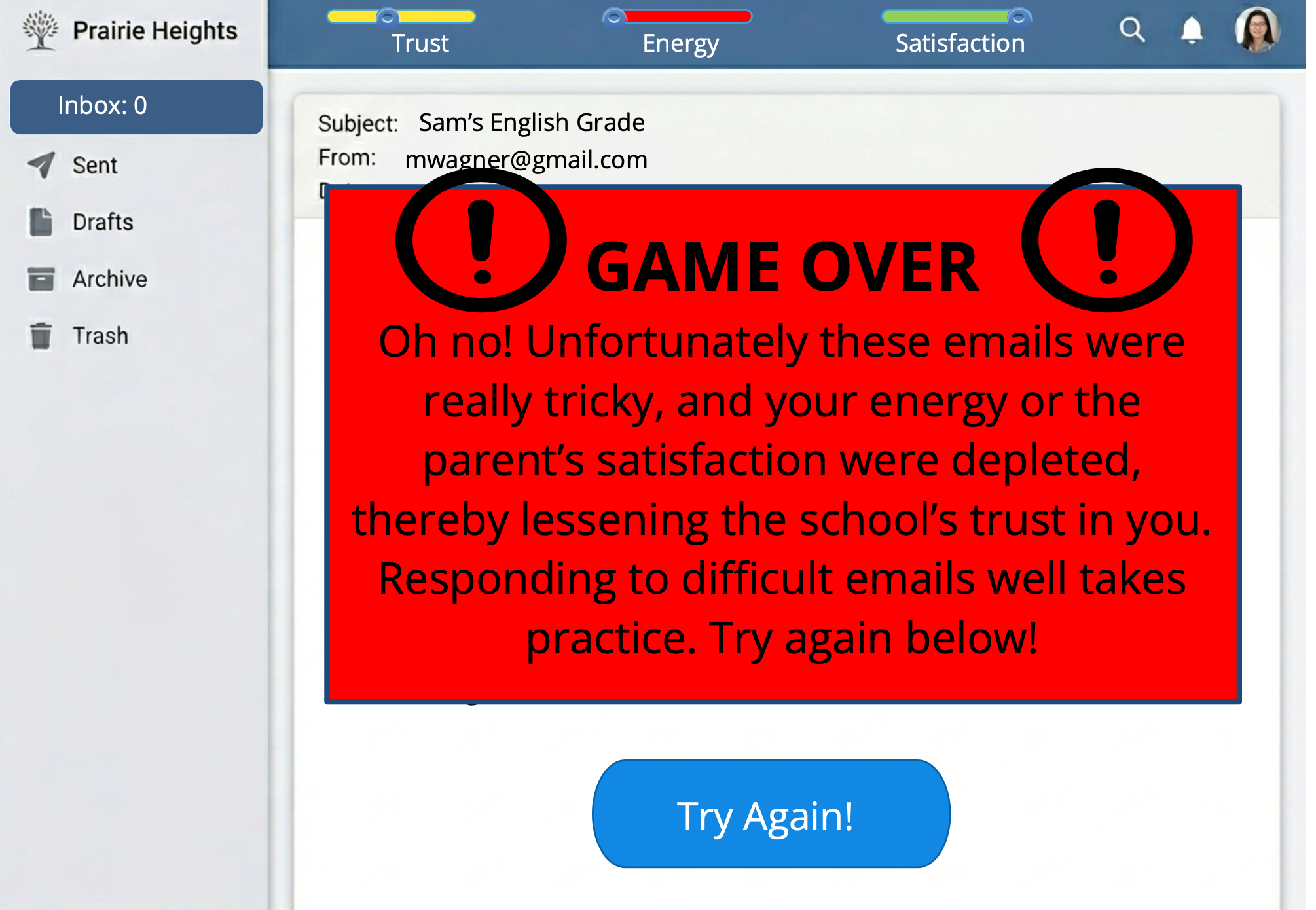
I recommended a scenario-based eLearning project because it would allow teachers to practice ways to respond to these difficult emails. In order to gamify the experience, I added the elements of 3 variables the teachers have to balance as they progress through the experience, teacher energy, parent satisfaction, and overall professional trust. After going through the experience, teachers will walk away with more language to use in these tricky email situations.
My Process:
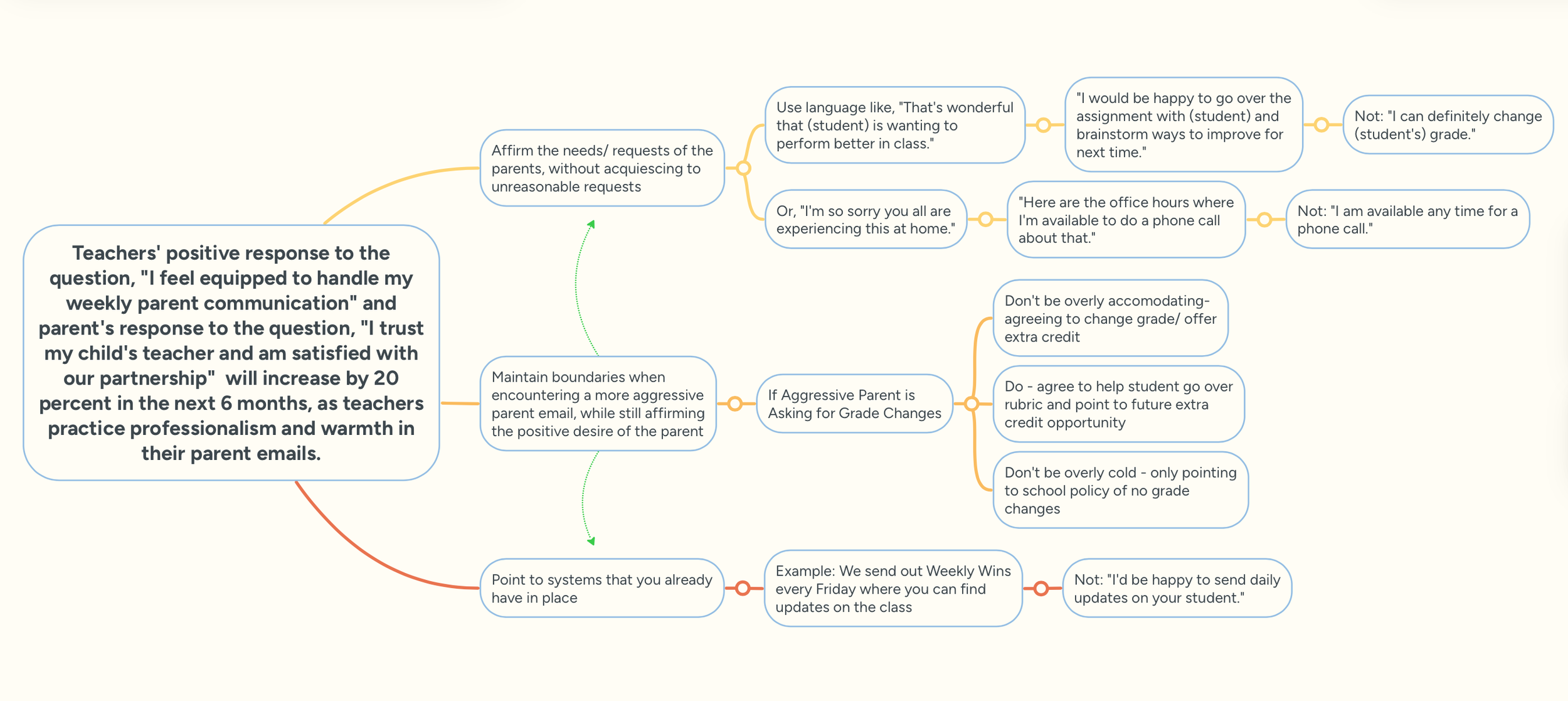
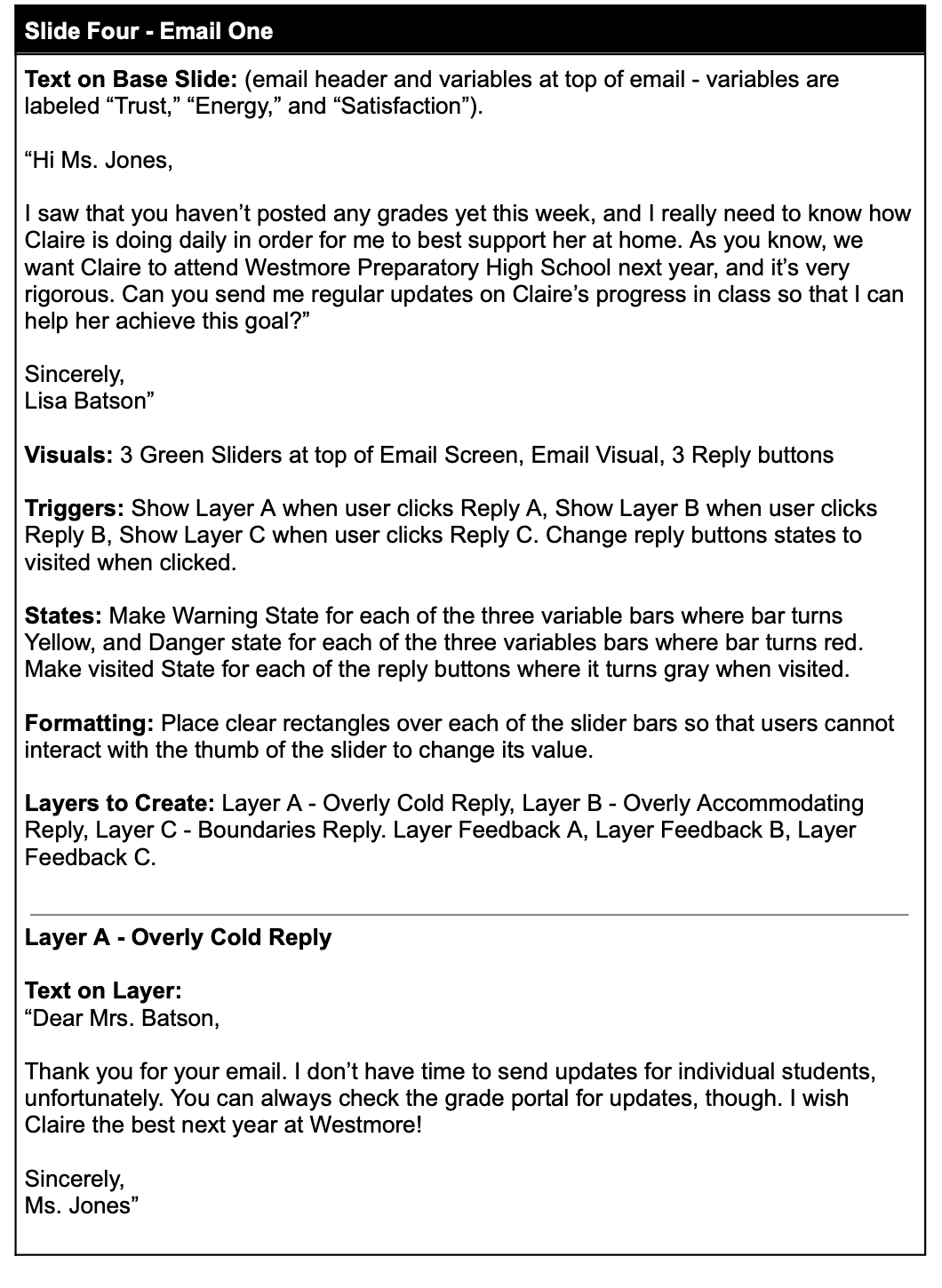
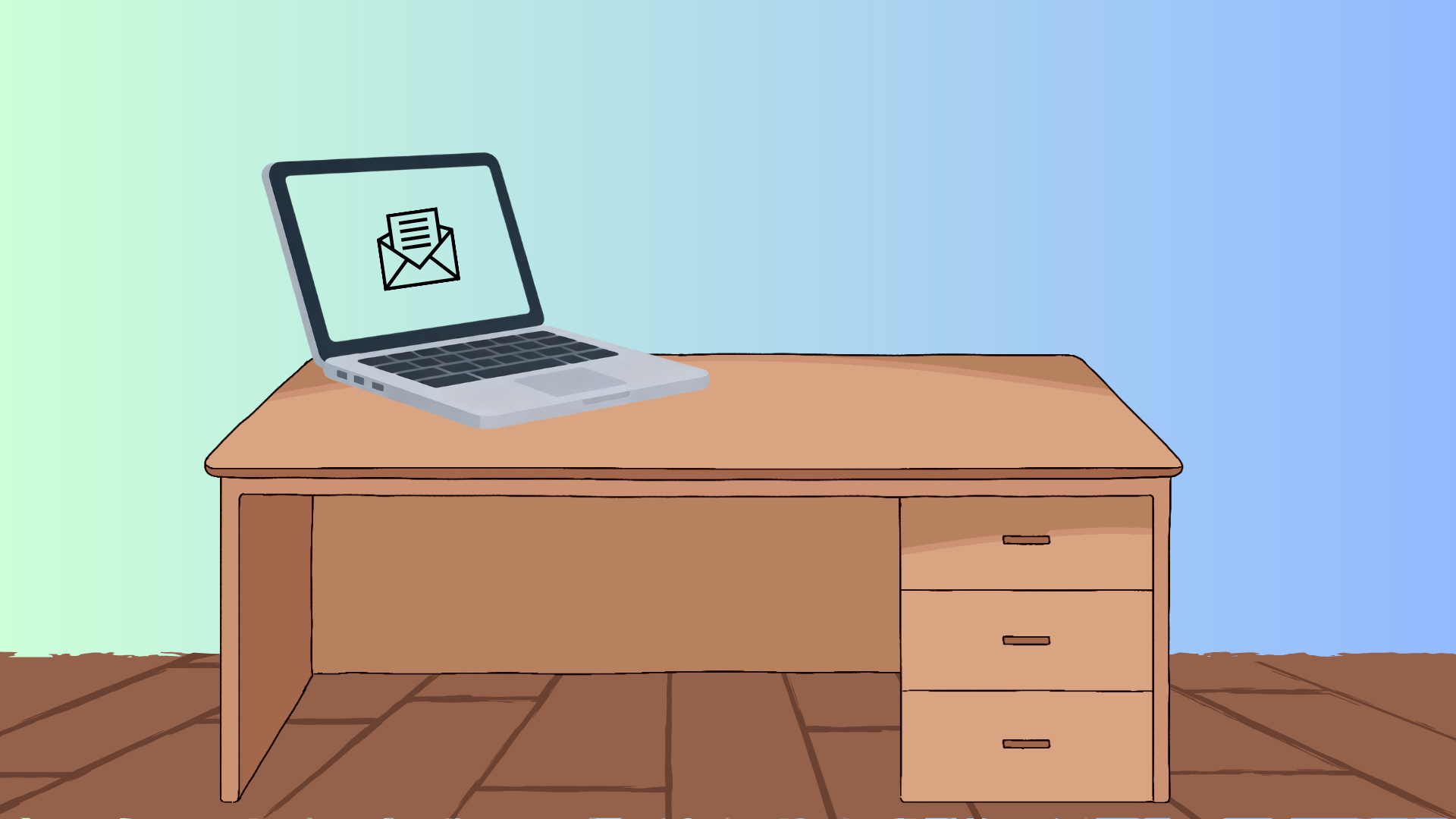
Using the ADDIE model as a guide, I analyzed the problem and brainstormed the best e-learning experience solution, using Google Gemini to speed up my workflow and troubleshoot ideas. I transferred these ideas to an action map, created visual mock-ups with Canva and Gemini, developed a storyboard, and prototyped a design in Articulate Storyline. After eliciting feedback, I finalized the design and published it so that the client could start implementing and evaluating the solution.
Action Map
Storyboard & Visual Mock-Ups
Interactive Prototype
Changes Made from Prototype
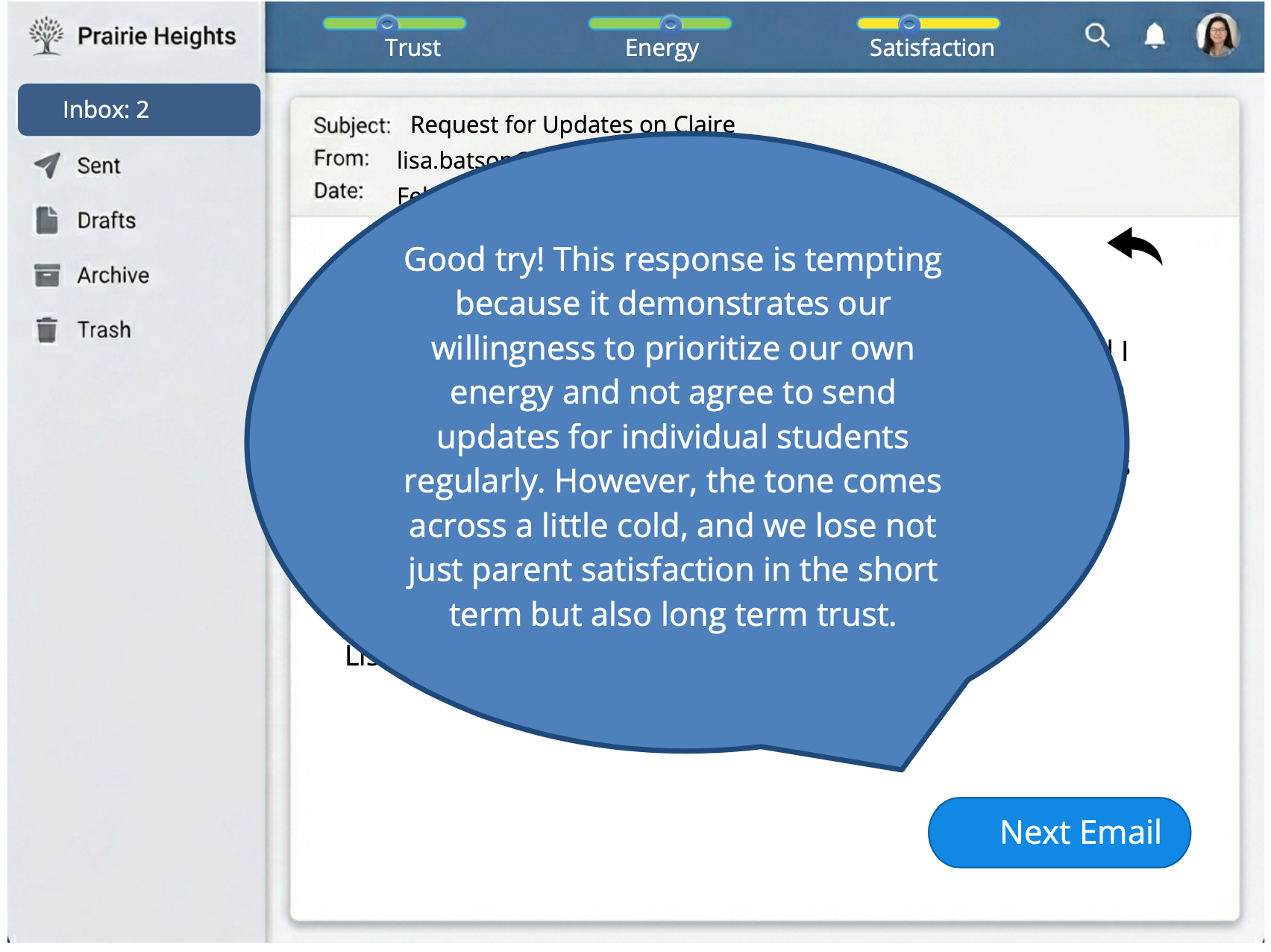
In the initial version, I designed the feedback speech bubbles all the same shade of blue to match the other colors in the project, but another designer observed that it would be helpful to color code the feedback according to the correctness of the response, which I did in the final version below.
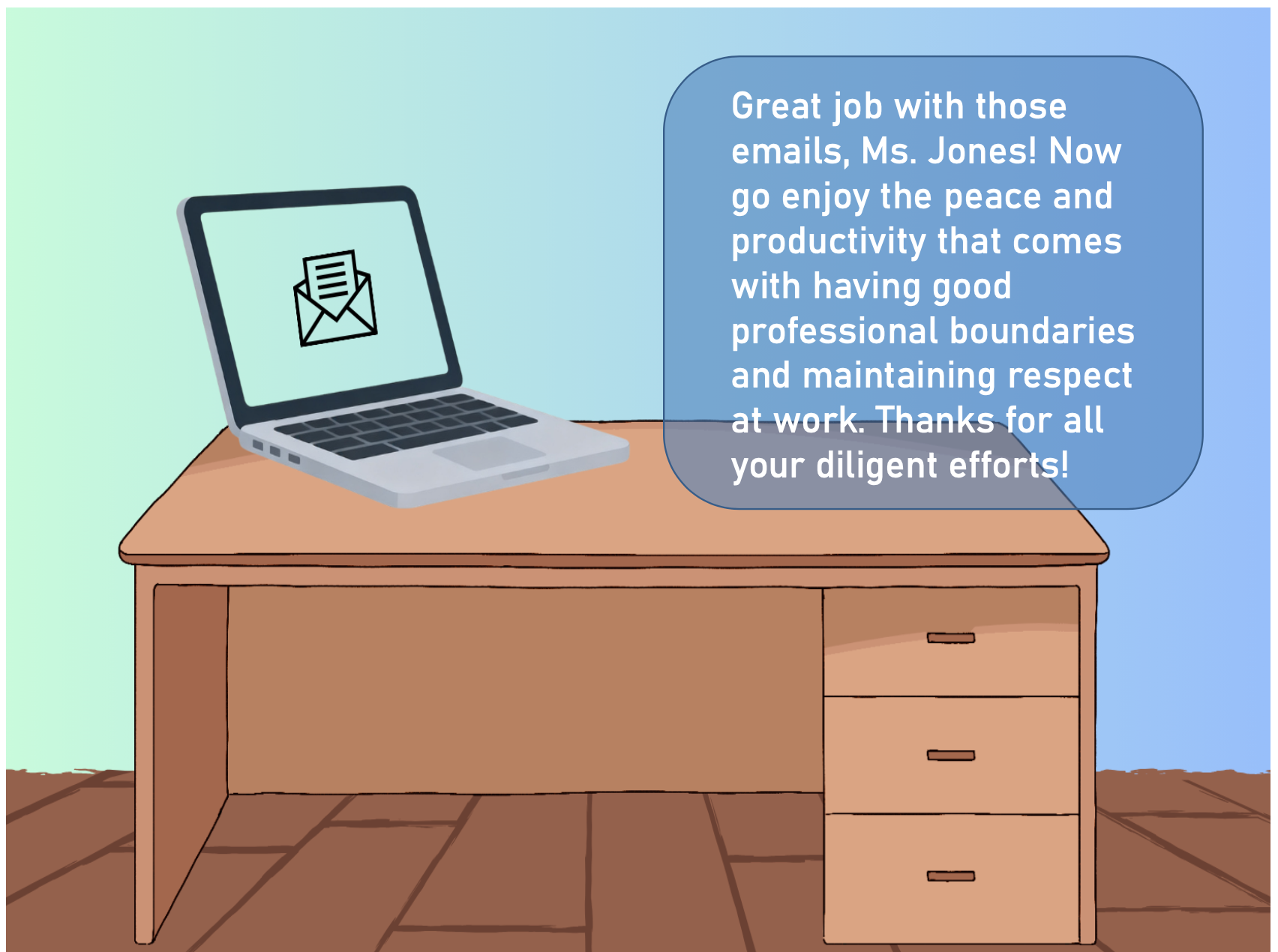
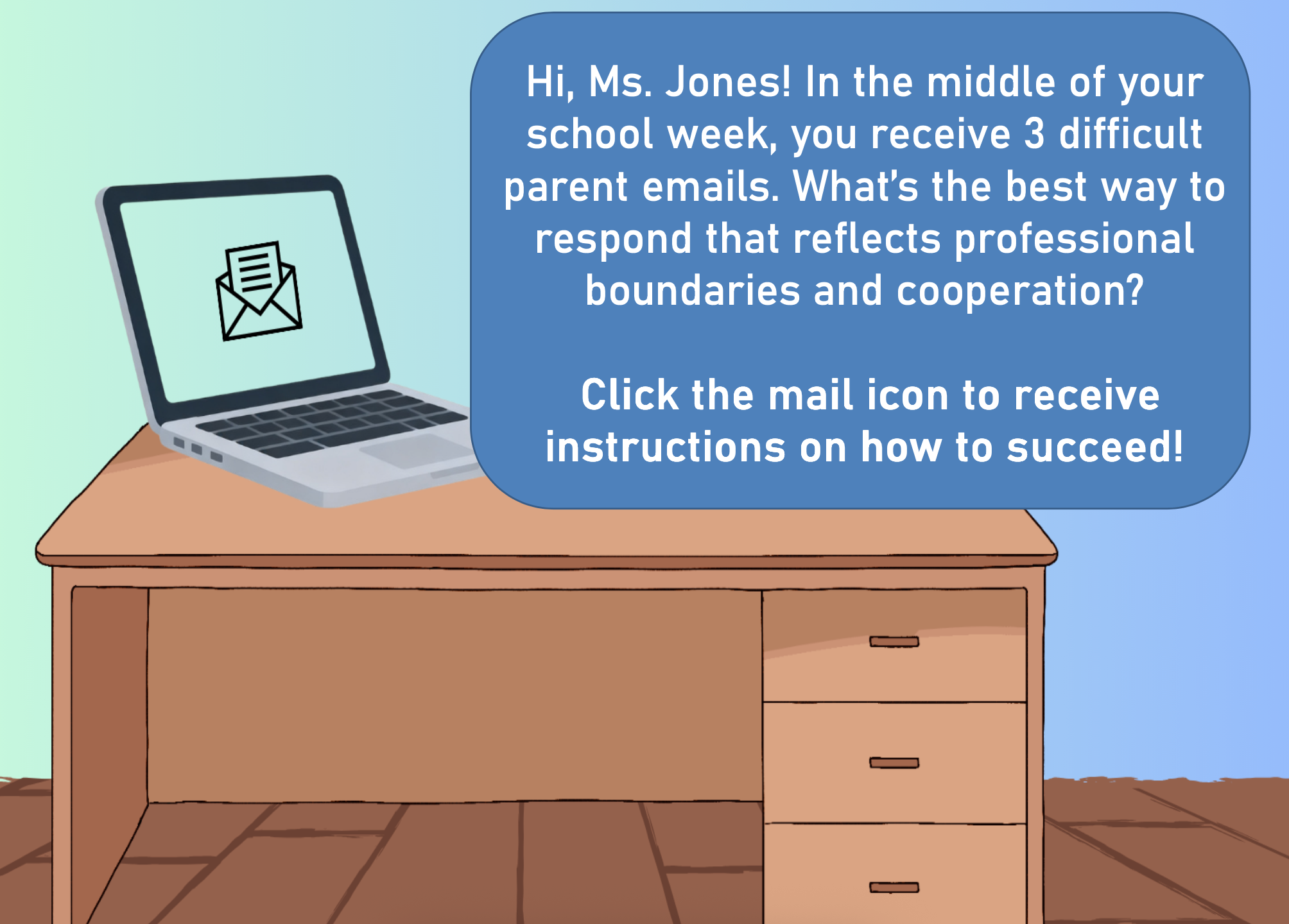
I also took the feedback that changing from a transparent to a solid colored text box on the first and last screens would help with contrast and visibility of the text.
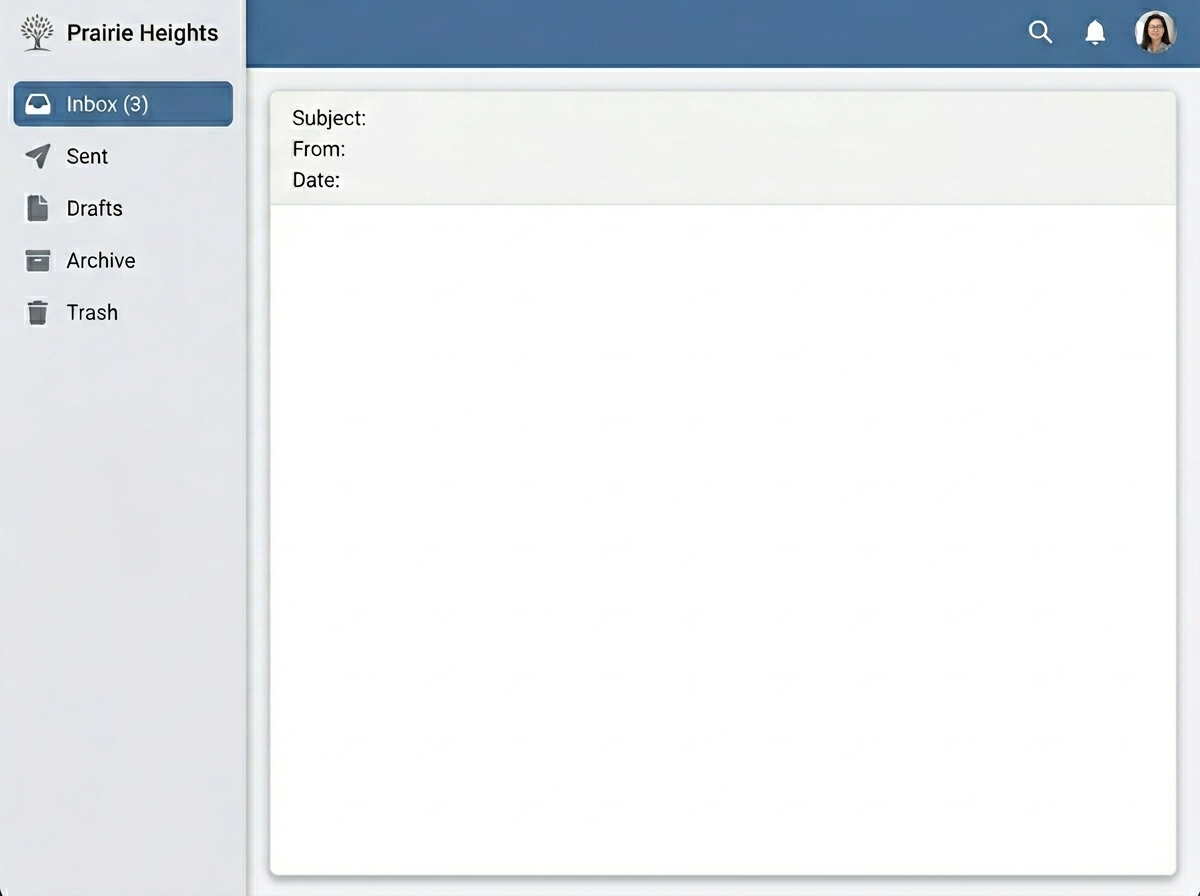
To further improve the learner’s experience, I added a set of instructions on the first slide, as well as a more detailed explanation of the variables and rules of the task.
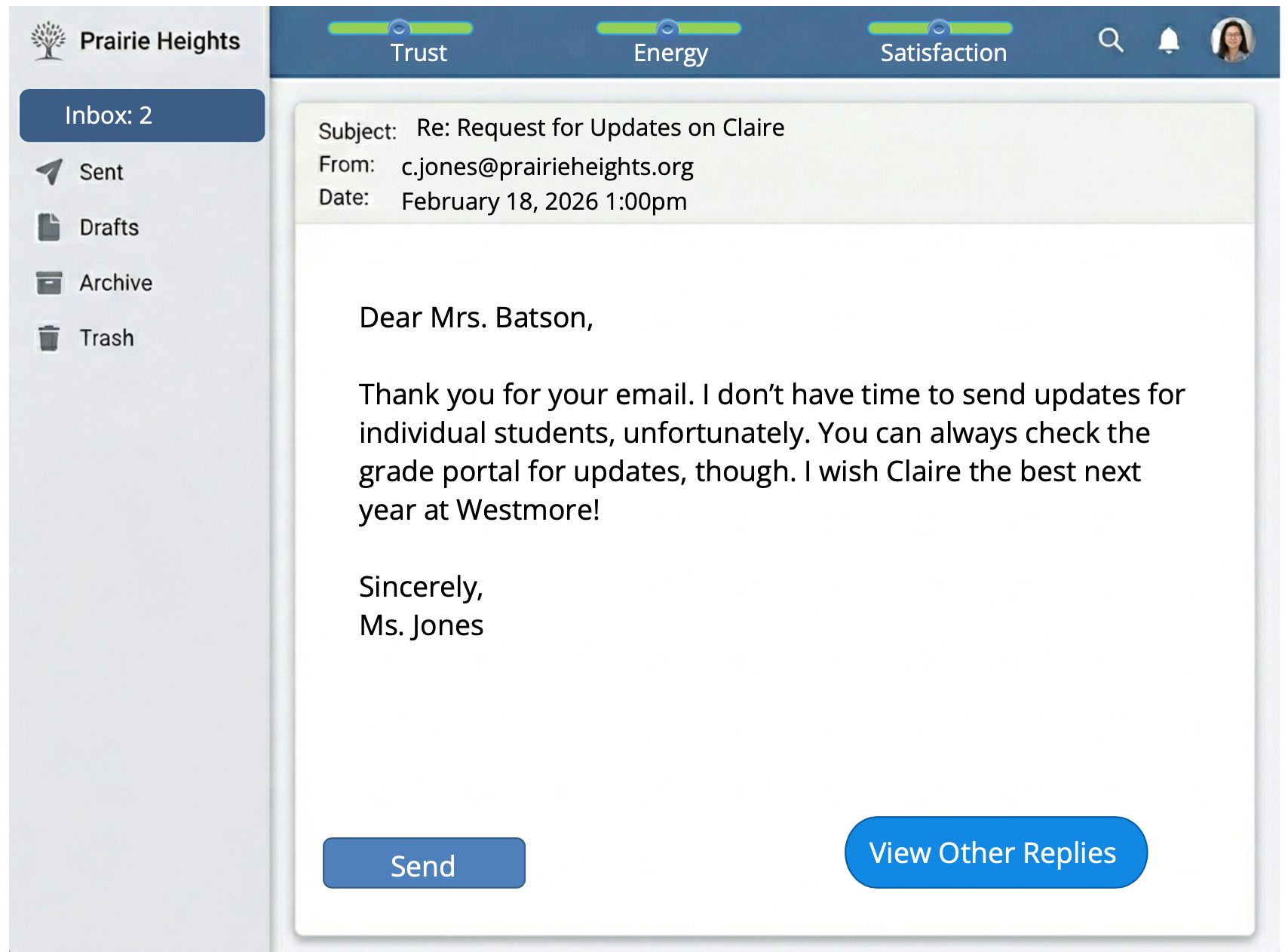
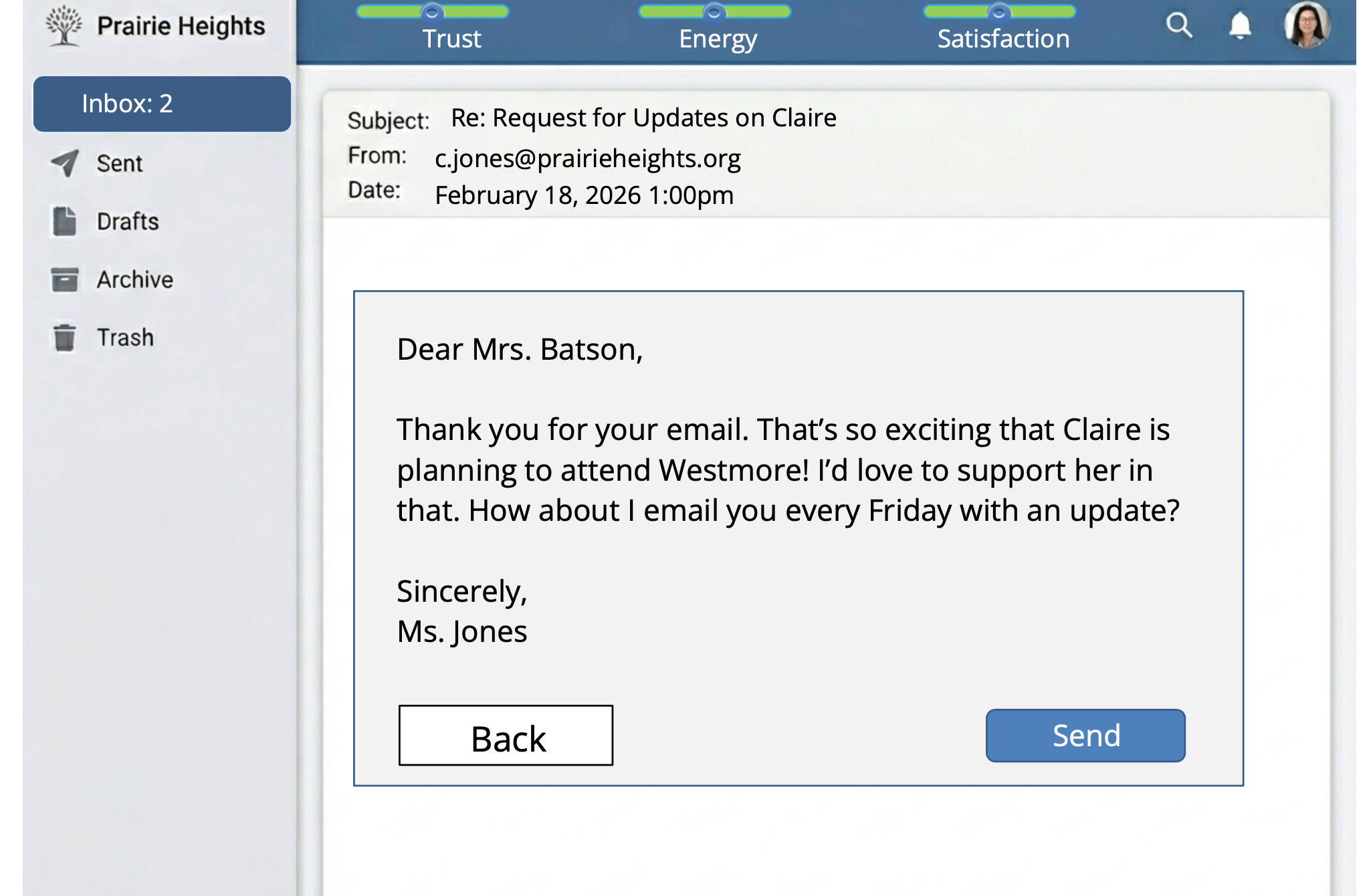
Finally, in order to improve the learner’s cognitive load with having to click to another screen to see the email replies, I made the layer appear as a simple gray reply box that the user could click “back” from to return to the base layer.
Final Design
Results & Takeaways
Since this was a concept project, I did not get to perform a formal evaluation, but if I could, I would do so with the Kirkpatrick Model. I would give post-training surveys to the teachers to measure how they felt about the experience & assess their learning. Later, I would measure behavior change and results by using the desired metric from our action map - giving parent and teacher surveys 6 months after the training to see if we have met the goal of positive responses increasing by 20 percent.
Below, I have shared the takeaways I have from my work on this project, as well as that of others who gave me feedback on my work.
Lessons I Learned:
Simplicity and consistency are your friends - Having the same email interface design created a cleaner learning experience and thus a more effective one.
Nuance makes for a better learning scenario- Creating realistic situations where the right answer isn’t obvious made for a more engaging, thoughtful learning experience.
Feedback is an incredible asset- A project I’ve looked at extensively can appear very different to someone seeing it for the first time, and their experience of it is what counts, so getting that feedback was extremely helpful to me!
Feedback from Others:
“The emails and responses were all great examples and I could clearly see why A/ B/ or C would tie back into the guidelines/ boundaries you set up at the beginning.”
- Monica, Business Owner
“This was so cool! I feel like I learned a lot actually. Tough calls to make. But it was great.”
-Cristina, Operations Manager
“These are definitely situations that I have found myself in as a teacher, and I feel like over the years I learned how to set my boundaries better with difficult parents. This was a good reminder to me, as I’m still doing tutoring, of what you can and can’t do reasonably.”
-Bridgette, Educator